
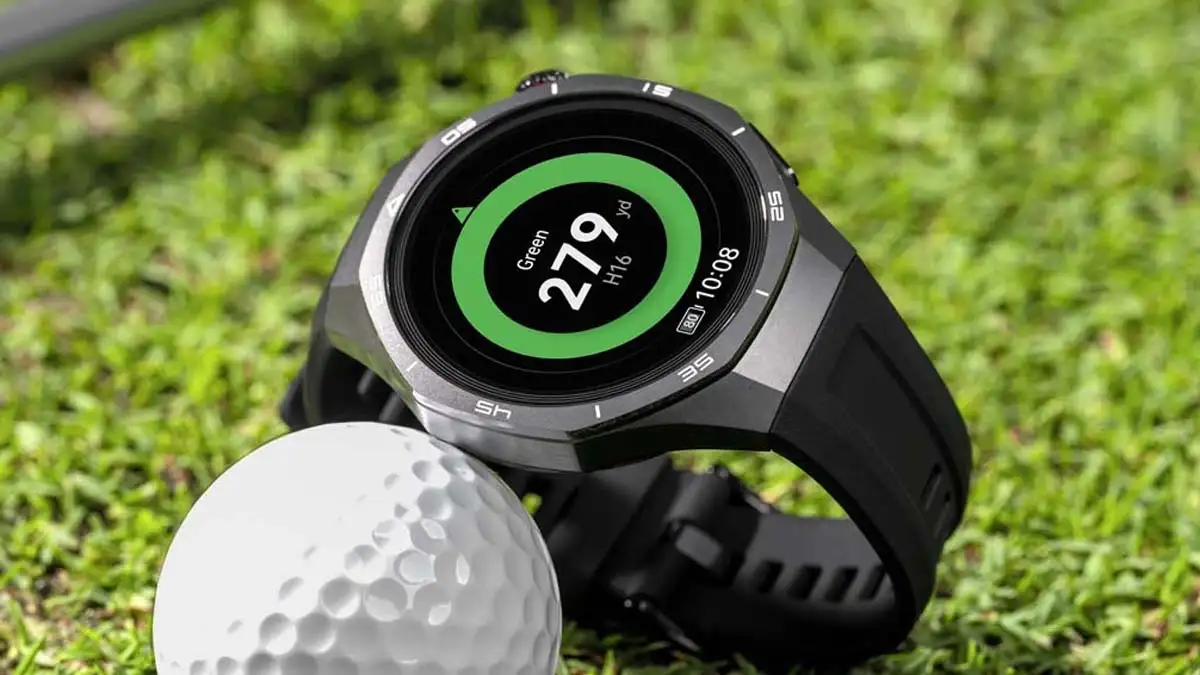
The tech giant’s flagship wearable receives HarmonyOS version 6.0.0.23, focusing on system stability, Bluetooth reliability, and seamless user experience.
Following the successful global rollout of HarmonyOS 6.0, Huawei has officially initiated a new software update for the Watch GT 5 Pro. This latest firmware is designed to fine-tune the flagship wearable’s performance, ensuring that international users experience the full potential of its high-end hardware through optimized software integration.
Refined Performance for Global Users
The new update, identified by build number HarmonyOS 6.0.0.23, comes as a focused optimization package. While it follows the massive feature-rich HarmonyOS 6.0 upgrade—which introduced revamped quick settings and an array of sophisticated watch faces—the current release prioritizes the “under-the-hood” mechanics that define the daily user experience.
According to the official changelog, the 87.04 MB package is specifically engineered to enhance system stability across various scenarios. For users who may have encountered minor stutters or application glitches since the last major transition, this build serves as a critical fix to ensure fluid navigation and responsiveness.
Connectivity and Reliability Improvements
A primary highlight of this version is the optimization of the Bluetooth connection. In an era where smartwatches serve as essential hubs for health monitoring, notifications, and calls, a persistent link between the wearable and the smartphone is paramount. Huawei’s latest firmware addresses previous inconsistencies, promising a more resilient pairing that minimizes accidental disconnections and data sync delays.
Furthermore, the update addresses internal bugs discovered in the previous build. By ironing out these technical kinks, Huawei aims to provide a more robust environment for its advanced health-tracking sensors and fitness features, which are the hallmarks of the GT 5 Pro series.
Seamless Deployment
Huawei is currently deploying the update via a staged rollout. This “batch” approach allows the company to monitor the performance of the firmware across different regions before a full-scale release. Consequently, some users may see the update notification immediately, while others may need to wait a few days for the firmware to appear in their Huawei Health app.
The Watch GT 5 Pro remains one of the most competitive wearables in the market, blending luxury craftsmanship with pro-level sports features. This latest move by Huawei reinforces its commitment to long-term software support, ensuring that its flagship remains at the cutting edge of the premium smartwatch segment.
Update Guidelines
To ensure a successful installation, users are advised to adhere to the following precautions:
- Battery Status: Ensure the watch has at least 20% battery remaining before starting the process.
- Connection Stability: Keep the smartwatch in close proximity to the connected smartphone throughout the transfer to prevent upgrade failure.
- Storage Space: Verify that the device has sufficient storage to accommodate the 87.04 MB file.
Users can check for the update manually by navigating to the Huawei Health app > Devices > [Your Device Name] > Firmware Update.